
Why Your Next Webcast Deserves More Than a Conference Room
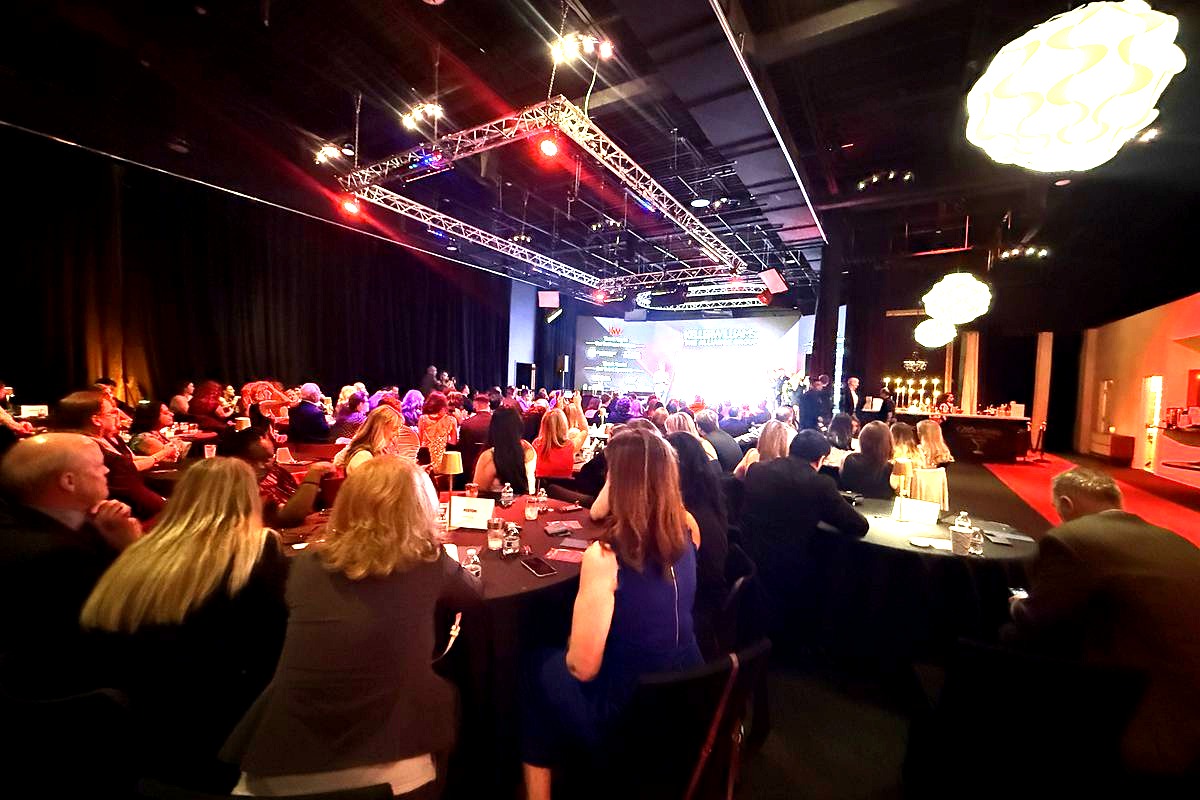
Your CEO is about to address 5,000 employees scattered across the country. Your product team is revealing a game-changing platform to investors, analysts, and media—all watching remotely. And you’re trying to pull it off from a cramped boardroom with a single webcam bolted to a monitor. If that scenario makes your stomach drop, you already know why finding the right webcast studio rental in DC matters so much for communications teams in 2026.
According to Grand View Research, the global video streaming market is projected to reach $416.84 billion by 2030, growing at a compound annual growth rate of over 21%. Enterprises are a massive driver of that growth. Town halls, investor briefings, product reveals, and internal communications have permanently shifted toward broadcast-quality digital delivery. A laptop and a ring light no longer cut it—not when your brand reputation, stakeholder confidence, and employee engagement are on the line.
This guide is built for corporate communications directors, PR teams, and event producers who need a broadcast-ready webcast studio within the DC metro area—specifically within 20 to 30 miles of Chantilly, Virginia, along the Dulles Corridor. We’ll walk through what separates a true webcast studio from a generic rental, the technical infrastructure you should demand, how to evaluate venues, and why one venue in particular keeps showing up on shortlists for high-stakes live broadcasts.
What Makes a Webcast Studio Different from a Regular Event Space
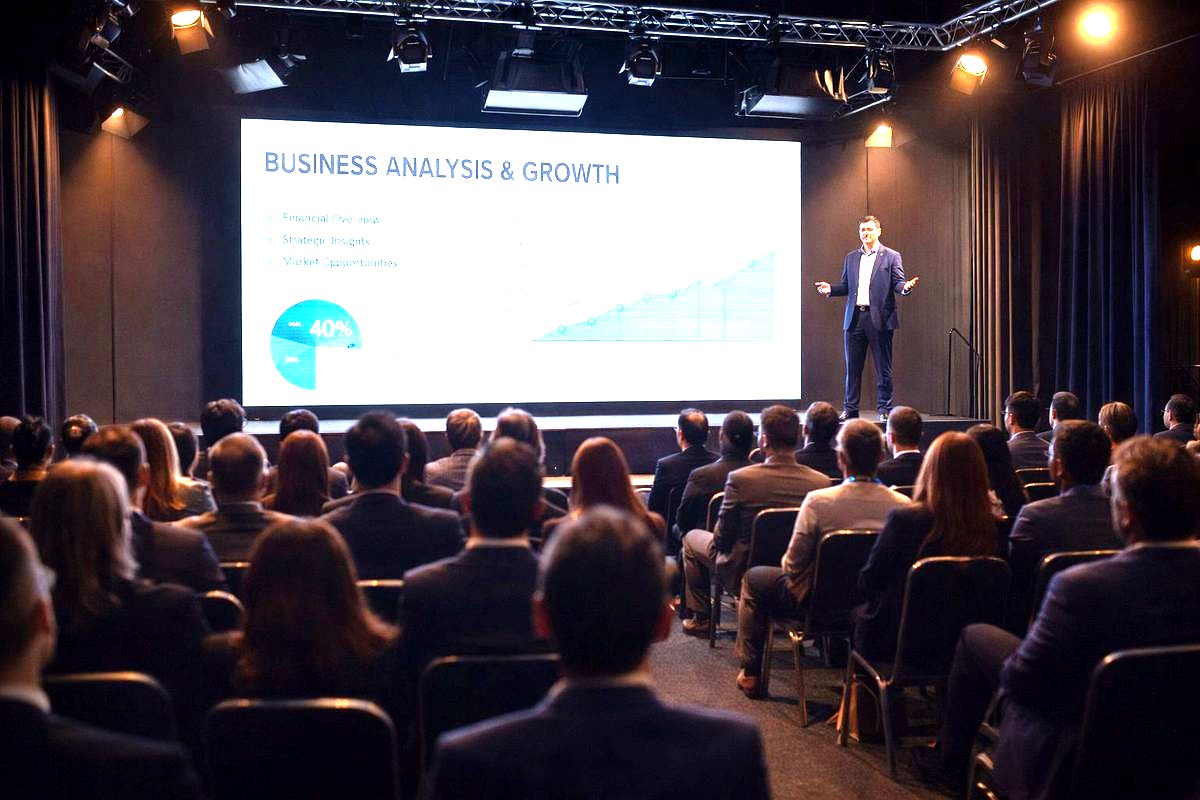
Not every venue that offers Wi-Fi and a projector qualifies as a webcast studio. The distinction matters, and understanding it will save your team from costly mistakes during mission-critical broadcasts.
Broadcast-Grade Infrastructure
A true webcast studio is engineered for live transmission. That means:
- Dedicated, enterprise-grade internet with redundant connections—typically bonded fiber lines delivering symmetrical upload and download speeds of 1 Gbps or higher
- Hardwired Ethernet drops at multiple points throughout the studio, not just Wi-Fi
- Isolated network architecture that separates your broadcast traffic from general building traffic, preventing bandwidth competition
- Uninterruptible power supplies (UPS) and backup generators to protect against outages during a live stream
Professional AV Ecosystem
Webcasts demand more than a screen and a microphone. Look for studios equipped with:
- LED video walls that serve as dynamic backdrops, lower-third displays, or presentation canvases
- Broadcast-quality cameras—PTZ (pan-tilt-zoom) cameras and cinematic camcorders with SDI output
- Professional audio systems including lavalier microphones, shotgun mics, audio mixers, and in-ear monitors for talent
- Hardware encoders and streaming appliances (such as Tricaster, vMix, or Blackmagic ATEM systems) for switching between camera angles and integrating remote guests
- Teleprompter integration for polished executive delivery
Controlled Environment
Ambient noise, unpredictable lighting, and visual clutter destroy the professionalism of a webcast. A purpose-built studio offers:
- Acoustically treated walls and ceilings
- Controllable LED lighting grids with adjustable color temperature
- Clean, branded backdrop options—whether that’s an LED wall, a fabric cyc wall, or modular scenic elements
- Climate control that keeps talent comfortable without audible HVAC noise bleeding into microphones
If a venue cannot check most of these boxes, it’s a room with a camera—not a webcast studio.
Webcast Studio Rental in DC: What the Dulles Corridor Offers
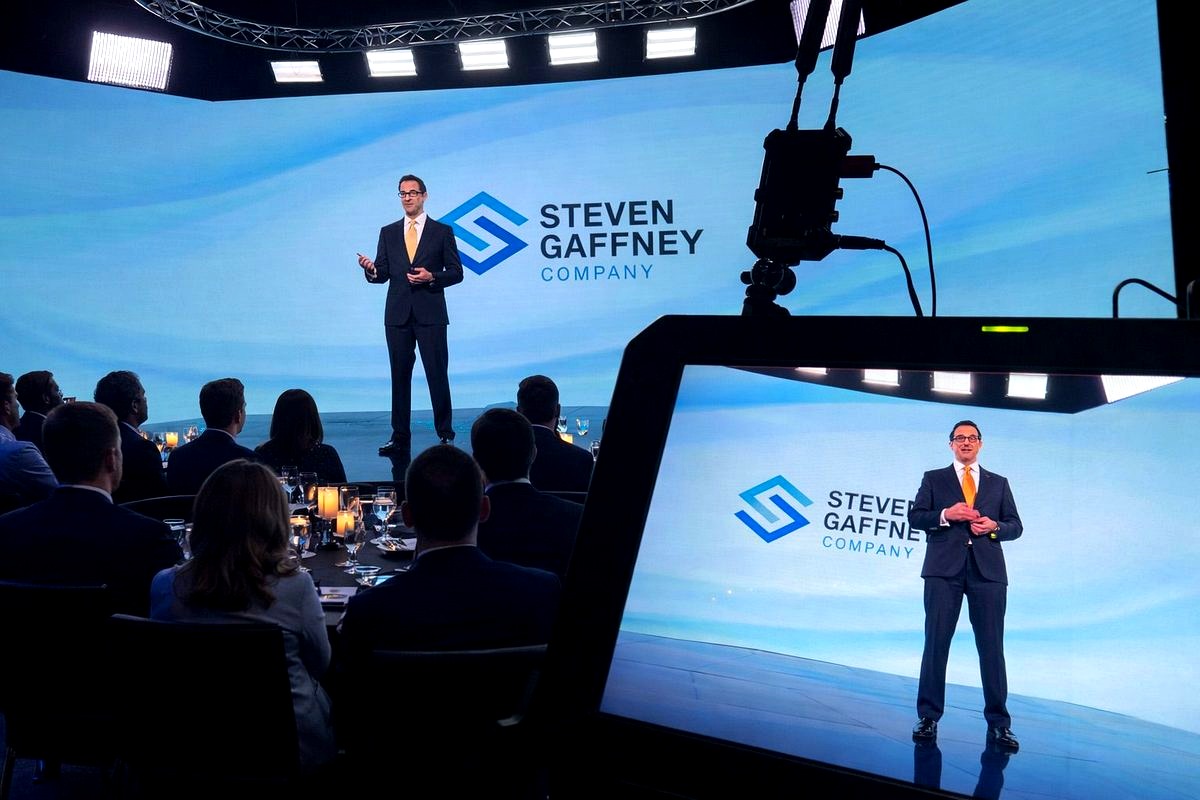
The DC metro area has no shortage of production spaces, but the Dulles Corridor—stretching from Tysons Corner through Reston, Herndon, and Chantilly—has emerged as a strategic sweet spot for communications teams seeking webcast studio rentals. Here’s why.
Proximity to Corporate Headquarters
Northern Virginia is home to an extraordinary density of Fortune 500 companies, defense contractors, government agencies, and technology firms. Companies like Northrop Grumman, Leidos, Booz Allen Hamilton, and dozens of federal agencies have operations within a 20-mile radius of Chantilly. When your C-suite needs to be on camera, minimizing travel time to the studio is non-negotiable. A webcast studio along the Dulles Corridor keeps executives within a 15- to 30-minute drive of most Northern Virginia offices.
Dulles International Airport Access
For webcasts that involve flying in a keynote speaker, a product expert, or a remote executive, proximity to Washington Dulles International Airport (IAD) is a logistical advantage. Studios near Chantilly are often less than 10 minutes from the airport, making tight-turnaround production days feasible.
Cost Efficiency Compared to Downtown DC
Studio rentals in downtown Washington, DC, or Georgetown carry premium pricing driven by real estate costs and limited parking. Venues along the Dulles Corridor typically offer more square footage, better parking, and lower hourly rates—without sacrificing production quality. For communications teams managing annual budgets across multiple webcasts, that cost efficiency compounds significantly over the course of 2026.
Why Trivision Event Center Stands Out
Located at 3856 Dulles South Court in Chantilly, Virginia, Trivision Event Center was purpose-built for exactly these use cases. Unlike converted hotel ballrooms or repurposed office spaces, Trivision’s studios were designed from the ground up for broadcast and production work. The venue features:
- Floor-to-ceiling LED video walls that can display branded content, presentation slides, live data feeds, or immersive scenic environments
- Full AV production infrastructure including professional cameras, switching systems, audio engineering, and live streaming capabilities
- Flexible studio configurations that can accommodate intimate executive webcasts or large-scale town halls with a live studio audience
- On-site technical crew available to manage production, so your communications team can focus on content and messaging rather than troubleshooting equipment
- Dedicated high-speed internet engineered for simultaneous multi-platform streaming
For communications teams that have been burned by venues promising ‘streaming capability’ only to discover a consumer-grade setup on event day, Trivision represents the kind of infrastructure that eliminates risk.
Key Use Cases: When You Need a Professional Webcast Studio
Understanding which events justify a professional webcast studio rental helps you allocate budget strategically and make the case to leadership.
Company-Wide Town Halls
Internal town halls have become one of the most common webcast formats in corporate America. Whether your organization has 500 or 50,000 employees, the CEO’s quarterly address sets the tone for morale, alignment, and trust. A professional studio ensures:
- Crisp video and audio quality that conveys authority and transparency
- Multi-camera angles that keep the broadcast visually engaging
- Real-time Q&A integration with platforms like Slido, Microsoft Teams, or Zoom
- Branded environments that reinforce corporate identity
Product Reveals and Launch Webcasts
When you’re unveiling a new product to media, analysts, partners, or customers, production quality directly impacts perception. A polished webcast with dynamic LED backdrops, smooth camera transitions, and professional audio signals that your product—and your company—are best-in-class. First impressions are formed in seconds, and a grainy, poorly lit stream sends the wrong message.
Investor Relations and Earnings Calls
Public companies and late-stage startups increasingly broadcast earnings calls and investor updates via video rather than audio-only conference bridges. A webcast studio allows your CFO or CEO to present with slides on an LED wall behind them, creating a more engaging and credible experience for shareholders.
Government and Public Affairs Briefings
Given the concentration of government contractors and agencies in the DC metro area, many organizations need broadcast-quality studios for public affairs briefings, congressional hearing prep sessions, and media training. A controlled studio environment is essential for these high-stakes communications moments.
Training and Certification Webcasts
Organizations with distributed workforces often produce certification programs, compliance training, or continuing education content via live webcast. A professional studio elevates production value, increasing engagement and completion rates among remote participants.
How to Evaluate a Webcast Studio Before You Book
Not all studios market themselves honestly. Use this evaluation framework to separate legitimate broadcast-quality spaces from venues that overpromise.
Request a Technical Walkthrough
Never book a webcast studio based solely on photos or a sales deck. Schedule an in-person or virtual walkthrough where you can:
- See the actual equipment installed in the studio—not stock photos of gear
- Test the internet speed with a real-time speed test (demand to see upload speeds, not just download)
- Inspect the lighting grid and ask about color temperature adjustability
- Check acoustic treatment—clap your hands in the room and listen for echo or reverb
- Ask about backup systems: What happens if the primary internet connection drops? Is there a backup encoder?
Ask About Crew and Technical Support
Some studios offer the space but expect you to bring your own crew and equipment. Others provide full-service production support. Clarify:
- Is a technical director included in the rental?
- Can the venue provide camera operators, audio engineers, and a graphics operator?
- Is there a dedicated producer to coordinate with your comms team on rundowns and cue sheets?
- What is the additional cost for crew versus space-only rental?
Confirm Platform Compatibility
Your webcast likely needs to stream to a specific platform—Zoom Webinars, Microsoft Teams Live Events, YouTube Live, Vimeo, a custom RTMP endpoint, or a simulcast across multiple destinations. Confirm that the studio’s encoding and switching systems support your target platforms and that the team has experience delivering to them.
Review the Load-In and Setup Timeline
Professional webcasts require rehearsal time. Ask whether the venue allows early load-in for set dressing, lighting adjustments, camera blocking, and talent rehearsal. A venue that only gives you a 30-minute setup window before a live broadcast is setting you up for stress and mistakes.
Check References and Past Broadcasts
Ask for examples of previous webcasts produced in the space. Better yet, ask for client references from communications teams similar to yours. A venue with a strong track record will be happy to share.
The 2026 Webcast Production Checklist for Communications Teams
Use this checklist when planning your next webcast at a professional studio rental:
- Define your audience and platform—internal vs. external, and which streaming platform(s) you’ll use
- Lock down the studio booking at least 4-6 weeks in advance, earlier for high-profile events
- Submit branded assets (logos, color codes, presentation files) to the venue’s production team at least 2 weeks before the event
- Develop a detailed rundown with segment timing, speaker transitions, video roll-ins, and Q&A windows
- Schedule a pre-production call with the venue’s technical director to align on camera shots, graphics, and audio requirements
- Conduct a full rehearsal—ideally in the actual studio space—at least one day before the live broadcast
- Test all remote integrations—if you’re bringing in remote panelists via Zoom or Teams, test their connections and audio in advance
- Assign a point of contact on your team who has authority to make real-time creative decisions during the broadcast
- Plan your post-production—will you need an edited recording, highlight clips, or on-demand hosting after the live event?
- Debrief after the broadcast—review viewer analytics, audience engagement metrics, and production notes to improve your next webcast
Frequently Asked Questions
How much does a webcast studio rental in DC cost in 2026?
Pricing varies depending on the studio’s equipment, crew availability, and rental duration. In the DC metro area, expect to pay anywhere from $1,500 to $5,000 for a half-day webcast studio rental, with full-day rates ranging from $3,000 to $10,000 or more for fully produced broadcasts. Venues along the Dulles Corridor, including Chantilly and Herndon, tend to offer more competitive pricing than downtown DC locations. Trivision Event Center offers customizable packages that bundle studio space, LED walls, AV production, and technical crew, which can reduce overall costs compared to sourcing each element separately.
What internet speed do I need for a professional webcast?
For a single-stream HD webcast (1080p), you need a minimum of 10-15 Mbps dedicated upload speed. For 4K streaming or simulcasting to multiple platforms simultaneously, you should have 50 Mbps or higher in dedicated upload bandwidth. The key word is ‘dedicated’—shared Wi-Fi networks are unreliable for live broadcasts. A professional webcast studio should provide hardwired, isolated internet connections with redundancy built in. Always test the connection under load conditions similar to what you’ll experience during the live event.
Can I bring my own production crew to a webcast studio rental?
Most professional webcast studios, including Trivision Event Center, allow you to bring your own production crew. However, many communications teams find it more efficient and cost-effective to use the venue’s in-house crew, who are already familiar with the studio’s equipment layout, switching systems, and technical infrastructure. If you do bring your own crew, schedule a technical walkthrough at least a week before the broadcast so they can familiarize themselves with the space and coordinate with the venue’s technical staff.
How far in advance should I book a webcast studio for a corporate town hall?
For corporate town halls and other high-priority webcasts, book your studio at least 4 to 6 weeks in advance. If your event falls during peak periods—such as Q1 earnings season, September-October conference season, or end-of-year announcements—booking 8 to 12 weeks ahead is advisable. Popular studios along the Dulles Corridor book quickly, especially for recurring quarterly town halls. Many communications teams secure standing reservations for the entire year to guarantee availability for their 2026 broadcast calendar.
What is the difference between a webcast and a livestream?
While the terms are often used interchangeably, a webcast typically refers to a structured, produced broadcast—often with multiple cameras, professional graphics, pre-produced video segments, and moderated Q&A—delivered to a targeted audience via a controlled platform. A livestream is a broader term that can include anything from a casual social media broadcast to a professional production. Corporate communications teams generally produce webcasts because they require the polish, branding control, and audience management features that distinguish a professional broadcast from an informal stream.
Book Your Webcast Studio in the DC Metro Area
In 2026, the expectations for corporate webcasts are higher than ever. Your audience—whether employees, investors, media, or customers—judges your organization by the quality of your broadcast. A pixelated feed, echoing audio, or a dropped stream doesn’t just look bad; it undermines trust and dilutes your message.
Finding the right webcast studio rental in DC starts with understanding what broadcast-quality actually means, then choosing a venue that delivers it without compromise. For communications teams operating in the Northern Virginia corridor, Trivision Event Center in Chantilly provides the infrastructure, the expertise, and the flexibility to execute webcasts that meet the highest professional standards.
Whether you’re planning a company-wide town hall, a product reveal, an investor briefing, or a training webcast, Trivision’s LED wall studios, professional AV production systems, and experienced on-site crew give your team everything you need to deliver a flawless broadcast.
Ready to see the studio for yourself? Contact Trivision Event Center to schedule a walkthrough and start planning your next webcast with confidence.