
You have 300 attendees confirmed in person and another 500 joining from their laptops across the country. The stakes are high, the logistics are complex, and one weak WiFi signal could derail the entire experience. If you have ever felt overwhelmed trying to bridge the gap between a physical conference room and a virtual audience, you are not alone. Learning how to host a hybrid conference has become one of the most in-demand skills in event planning — and for good reason. According to a 2025 report from Grand View Research, the global virtual events market is projected to reach $657 billion by 2030, and hybrid formats are driving the lion’s share of that growth. The question is no longer whether you should go hybrid, but how to do it exceptionally well.
This step-by-step guide walks you through every phase of hybrid conference planning, from early strategy decisions and venue technology requirements to virtual audience engagement and post-event analytics. Whether you are an experienced corporate planner or organizing your first large-scale conference in the Northern Virginia or Washington DC corridor in 2026, this resource will give you a clear, actionable roadmap.
Step 1: Define Your Hybrid Conference Strategy and Goals
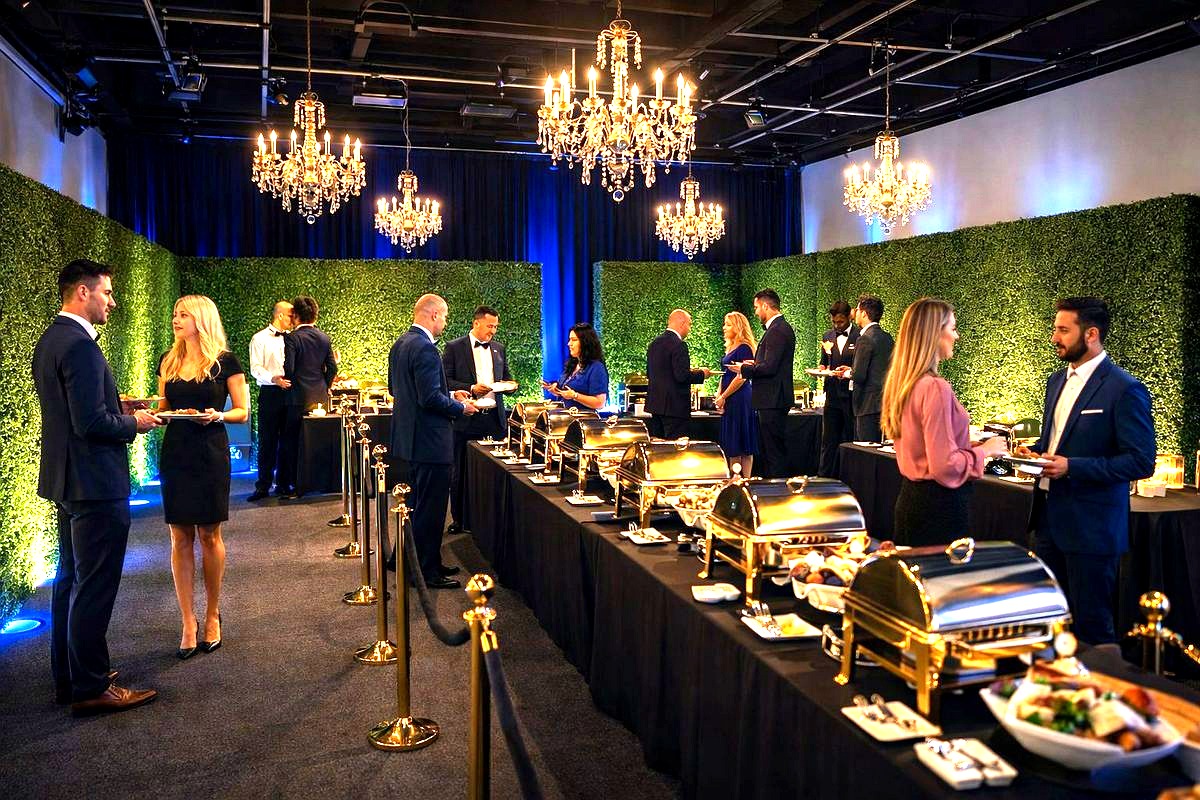
Before you book a venue or shop for streaming platforms, you need absolute clarity on what your hybrid conference is designed to achieve. Skipping this foundational step is the single most common mistake planners make — and it leads to bloated budgets, disengaged virtual attendees, and a fractured event experience.
Identify Your Primary Objectives
Start by answering these questions with your stakeholders:
- What is the purpose of this conference? Lead generation, thought leadership, training, networking, product launch, or annual membership gathering?
- Who is your audience? Define separate personas for in-person and virtual attendees. Their motivations for attending are often very different.
- What does success look like? Set measurable KPIs for both audiences — registration numbers, engagement rates, session attendance, sponsor ROI, post-event survey scores.
- What is your budget reality? Hybrid events typically cost 20-30% more than purely in-person conferences due to the added production and platform layers. Know this upfront.
Choose Your Hybrid Model
Not all hybrid conferences are created equal. The format you choose will dictate your technology, staffing, and venue needs:
- Simulcast Model: In-person sessions are live-streamed to a virtual audience in real time. Simple but can feel passive for remote viewers.
- Hub-and-Spoke Model: A primary venue hosts the main event while satellite locations or virtual hubs host smaller groups. Great for geographically distributed organizations.
- Virtual-First with In-Person Enhancement: The content is designed primarily for virtual consumption, with a curated in-person experience layered on top for VIPs or local attendees.
- Fully Integrated Model: Both audiences receive equally designed, interactive experiences with shared networking, Q&A, polls, and breakout rooms. This is the gold standard — and the most complex to execute.
For most corporate and association conferences in 2026, the fully integrated model delivers the highest attendee satisfaction. But it demands a venue with serious technical infrastructure.
Step 2: Select a Venue Built for Hybrid Conference Production
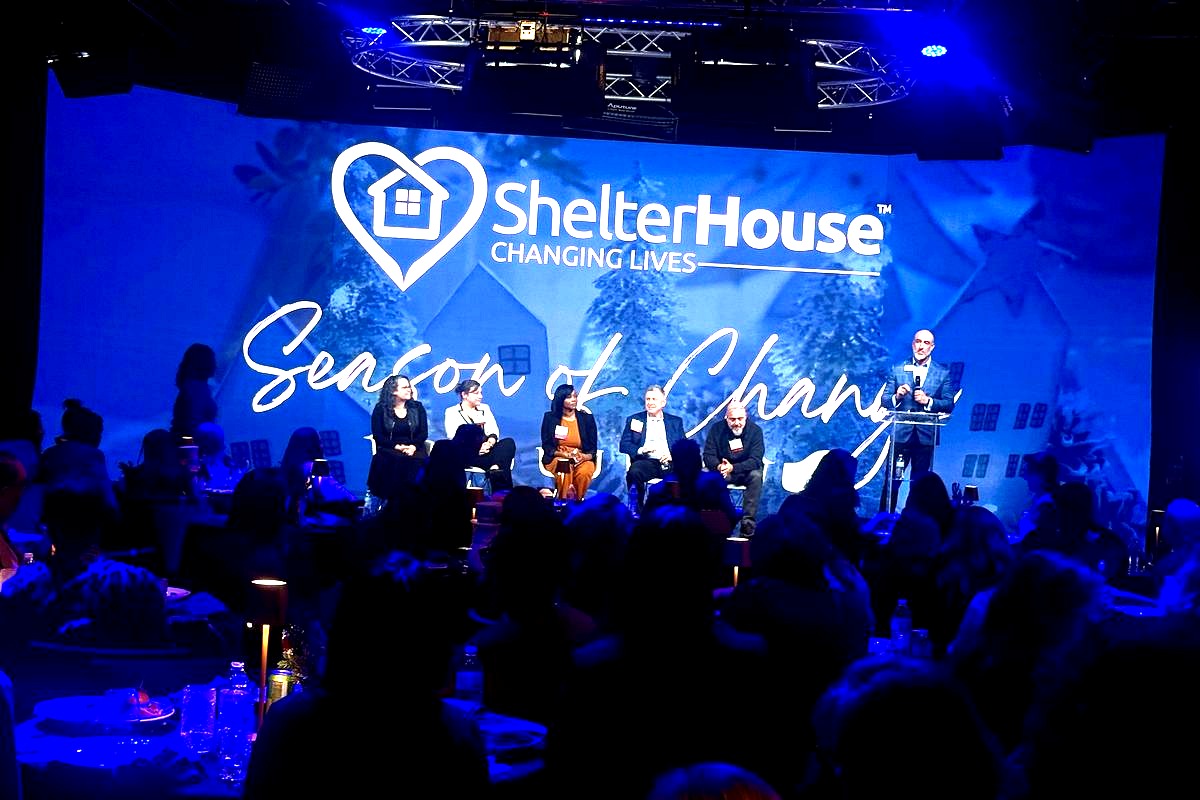
Your venue is not just a backdrop — it is the production engine that powers your entire hybrid conference. A beautiful ballroom with inadequate internet bandwidth or outdated AV capabilities will sabotage your event before the first keynote begins.
Non-Negotiable Venue Technology Requirements
When scouting venues within 20-30 miles of the Chantilly, Virginia area — including Fairfax, Tysons Corner, Reston, Centreville, Herndon, and the Dulles corridor — prioritize these technical capabilities:
- Enterprise-grade internet: You need dedicated, redundant broadband with a minimum of 100 Mbps upload speed for multi-camera streaming. Shared hotel WiFi is not sufficient.
- Professional LED walls and displays: Large-format LED video walls allow you to display remote speakers life-size, show real-time virtual audience feeds, and create immersive stage designs that look phenomenal both in person and on camera.
- Integrated AV production infrastructure: Look for venues with built-in sound systems, professional lighting rigs, multi-camera switching capabilities, and broadcast-quality encoding hardware. Having this in-house dramatically reduces your rental and setup costs.
- Flexible studio spaces: Your conference likely includes a main stage, breakout sessions, a networking lounge, and possibly a sponsor expo. The venue should offer multiple configurable rooms that can serve different functions simultaneously.
- Dedicated production control room: A behind-the-scenes space where your technical director and streaming team can manage camera feeds, audio mixing, graphics overlays, and virtual platform integration without disrupting the live event.
Why Location in Northern Virginia Matters
For planners targeting the DC metro audience, venues near Dulles Airport and the Chantilly-Fairfax corridor offer a unique advantage. You get proximity to government agencies, defense contractors, tech companies, and association headquarters — all major drivers of hybrid conference demand. Additionally, attendees flying in from across the country benefit from easy airport access, while local professionals can commute without the hassle of navigating downtown DC traffic and parking.
A purpose-built event center with production-grade technology eliminates the need to truck in tens of thousands of dollars in rental equipment, saving both budget and setup time.
Step 3: Build Your Hybrid Technology Stack
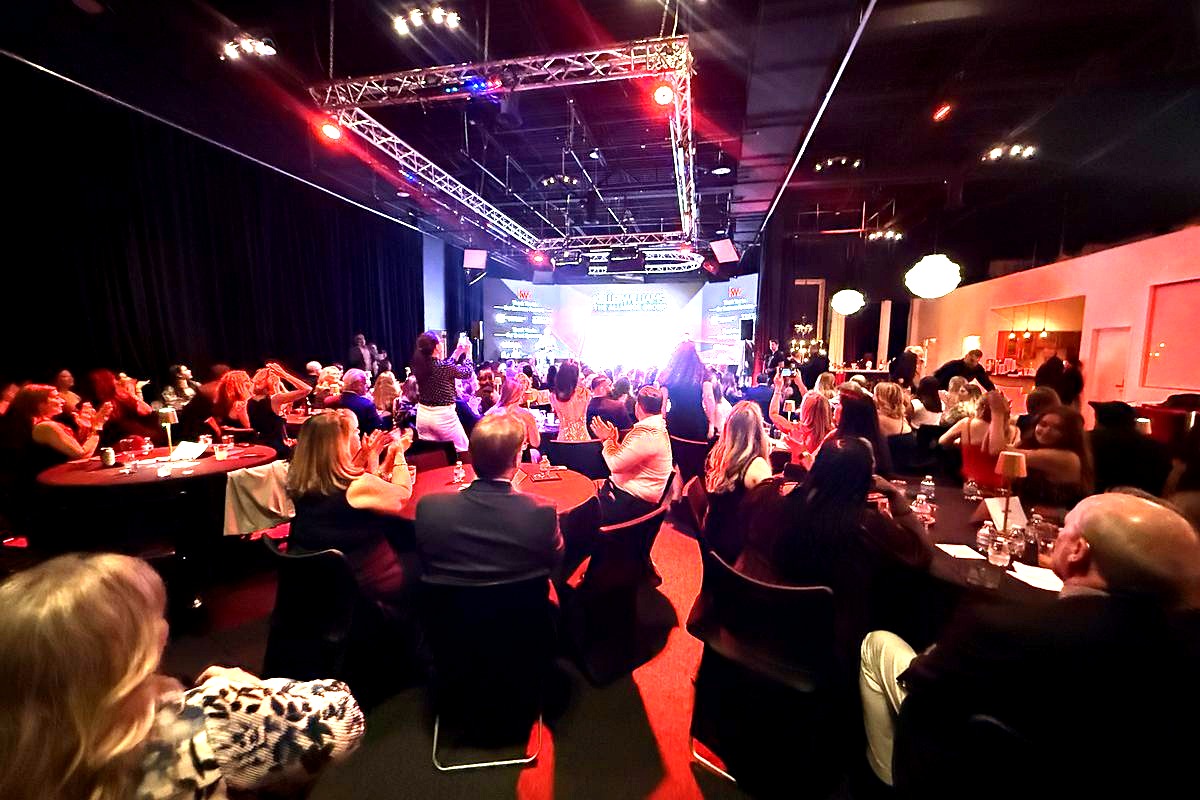
Beyond the venue’s built-in capabilities, you will need a carefully chosen set of software platforms and tools to deliver a seamless experience to your virtual audience.
Virtual Event Platform Selection
Your platform is the virtual venue. In 2026, the leading options include Hopin, vFairs, Swoogo, Hubilo, and Cvent’s virtual suite. Evaluate platforms based on:
- Live streaming quality: Does it support 1080p or 4K streaming with low latency?
- Interactive features: Real-time Q&A, live polling, chat, emoji reactions, and virtual hand-raising.
- Networking tools: AI-powered matchmaking, virtual roundtables, one-on-one video meeting scheduling.
- Sponsor and exhibitor integration: Virtual booths, lead scanning, downloadable resources, sponsored sessions.
- Analytics and reporting: Session-level engagement data, attendee behavior tracking, content consumption metrics.
- Integration capabilities: Does it connect with your CRM, marketing automation, and registration tools?
Essential Production Tools
Layer these tools into your tech stack for professional-grade output:
- Streaming encoder: vMix, OBS Studio, or Wirecast for managing multi-camera feeds and graphics.
- Audience engagement: Slido, Mentimeter, or Pigeonhole Live for cross-audience polls and Q&A moderation.
- Communication: A backstage communication channel (Slack, Teams, or intercom systems) so your production crew, speakers, and moderators stay coordinated in real time.
- Captioning and accessibility: AI-powered live captioning services and sign language interpretation feeds to meet ADA requirements and improve inclusivity.
Step 4: Design Content That Engages Both Audiences Equally
This is where most hybrid conferences fail. Planners design their agenda for the in-person audience and treat virtual attendees as an afterthought — essentially asking them to watch a six-hour livestream passively. That is a recipe for disengagement and negative feedback.
Session Design Principles for Hybrid
- Keep sessions shorter: Virtual attention spans are brutal. Limit keynotes to 20-30 minutes and panel discussions to 40 minutes maximum. Build in frequent breaks.
- Assign a virtual emcee: Hire a dedicated host who speaks directly to the online audience, acknowledges chat activity, reads remote questions aloud, and bridges the gap between both experiences.
- Design for the camera: Your stage setup, speaker positioning, and slide design should be optimized for how they appear on screen, not just how they look in the room. Use high-contrast visuals, large fonts, and avoid cluttered slides.
- Create virtual-exclusive content: Behind-the-scenes interviews, exclusive breakout sessions, or on-demand content libraries give remote attendees a reason to feel their experience is premium, not second-class.
- Facilitate cross-audience interaction: Display live social feeds, virtual chat comments, and poll results on the LED walls in the room so in-person attendees see and respond to their virtual counterparts. This creates a unified community experience.
Networking and Engagement Strategies
Networking is consistently ranked as the top reason professionals attend conferences. Here is how to make it work in a hybrid format:
- Structured virtual networking sessions: Use speed-networking features on your platform that pair attendees for timed video conversations.
- Hybrid roundtables: Set up physical tables with mounted screens and cameras so in-person and virtual attendees can participate in the same small-group discussions.
- Gamification: Leaderboards, scavenger hunts, and engagement point systems encourage both audiences to participate actively.
- Social media integration: Create a branded event hashtag and display the feed on screens throughout the venue and within the virtual platform.
Step 5: Rehearse, Execute, and Manage Day-of Operations
A hybrid conference has more moving parts than a purely in-person or purely virtual event. Your day-of operations plan must account for dual production timelines, contingency protocols, and clear team roles.
Pre-Event Rehearsals Are Non-Negotiable
Schedule a full technical rehearsal at least 48 hours before the event. During rehearsal:
- Test every speaker’s audio, video, and presentation files — both in-person and remote speakers.
- Run through the entire streaming workflow from camera to encoder to platform to verify there are no delays or quality drops.
- Simulate audience engagement features: polls, Q&A, chat moderation, breakout room transitions.
- Test your backup internet connection. If your primary line fails, how quickly can you switch over?
- Walk through your run-of-show document with every team member so everyone knows their cues.
Day-of Team Structure
For a mid-sized hybrid conference (200-800 total attendees), you will typically need:
- Technical Director: Manages all AV production, camera switching, and streaming.
- Virtual Platform Manager: Monitors the online experience, troubleshoots attendee access issues, manages breakout rooms.
- In-Person Event Manager: Handles registration, room logistics, catering, signage, and physical attendee experience.
- Stage Manager: Coordinates speaker transitions, monitors timing, communicates with the green room.
- Chat and Q&A Moderators: At least two people dedicated to monitoring virtual chat, filtering questions, and escalating audience feedback to speakers and the emcee.
- Social Media Coordinator: Captures content, posts updates, monitors the event hashtag, and engages with online commentary.
Contingency Planning
Murphy’s Law applies double at hybrid events. Prepare for these common scenarios:
- Internet failure: Have a 4G/5G cellular backup with automatic failover.
- Speaker no-show: Maintain a pre-recorded backup version of every keynote.
- Platform outage: Have a secondary streaming destination (YouTube Live or Vimeo) ready to deploy.
- Audio feedback: Sound-check every microphone in the room and provide remote speakers with tested headset recommendations in advance.
Step 6: Measure Success and Maximize Post-Event Value
The conference does not end when the last session wraps. In fact, for your virtual audience, the post-event phase is where some of the deepest engagement happens.
Post-Event Content Strategy
- On-demand library: Make all recorded sessions available within 24-48 hours. This extends the life of your content and serves attendees in different time zones who could not watch live.
- Highlight reels: Produce 60-90 second recap videos for social media and email marketing.
- Speaker content repurposing: Turn keynotes into blog posts, podcast episodes, infographics, or LinkedIn article series.
- Attendee-generated content: Curate and reshare the best social media posts, testimonials, and photos from both audiences.
Analytics and ROI Measurement
Combine data from your virtual platform, registration system, and on-site tools to build a comprehensive picture:
- Total registration vs. actual attendance (both audiences)
- Average session watch time and drop-off points
- Engagement metrics: polls answered, questions asked, chat messages sent
- Networking meetings scheduled and completed
- Sponsor lead generation numbers
- Net Promoter Score from post-event surveys
- Cost per attendee (calculated separately for in-person and virtual)
These insights directly inform your planning for next year’s event and help you justify budget to stakeholders.
Frequently Asked Questions About Hosting a Hybrid Conference
How much does it cost to host a hybrid conference in 2026?
Costs vary significantly based on scale, but a mid-sized hybrid conference for 200-800 total attendees in the Northern Virginia area typically ranges from $25,000 to $150,000. This includes venue rental, AV production, virtual platform licensing, staffing, catering for in-person guests, and marketing. Choosing a venue with built-in LED walls and production infrastructure — like those available in the Chantilly and Fairfax County area — can reduce AV rental costs by 30-50%.
What internet speed do I need for a hybrid conference?
For reliable multi-camera HD streaming, you need a minimum of 50 Mbps dedicated upload speed, though 100 Mbps or higher is strongly recommended. This should be a dedicated, wired connection — not shared WiFi. Always confirm with your venue that they can provide enterprise-grade internet with a backup connection for failover.
How do I keep virtual attendees engaged during a hybrid conference?
The key is designing for the virtual experience intentionally, not as an afterthought. Use a dedicated virtual emcee, incorporate live polls and Q&A every 10-15 minutes, offer virtual-exclusive content and networking sessions, display remote audience participation on in-room LED screens, and keep individual sessions under 30-40 minutes. Gamification elements like leaderboards and engagement point systems also significantly boost participation.
How far in advance should I start planning a hybrid conference?
For a mid-to-large hybrid conference, begin planning 6-9 months in advance. Venue booking and platform selection should happen at the 6-9 month mark, content and speaker development at 4-6 months, marketing launch at 3-4 months, technical rehearsals at 2-4 weeks, and final run-throughs 48 hours before the event. Hybrid events require more lead time than traditional conferences due to the added technology and production layers.
Can I use my existing meeting space for a hybrid conference?
You can, but most traditional meeting rooms and hotel ballrooms lack the production infrastructure needed for a professional hybrid experience. You will typically need to rent and install LED walls, professional cameras, broadcast-quality audio systems, streaming encoders, and upgraded internet — all of which adds significant cost and setup time. Purpose-built event venues with integrated hybrid technology are almost always more cost-effective and deliver a higher quality result.
What is the biggest mistake planners make with hybrid conferences?
Treating the virtual audience as passive viewers rather than active participants. When remote attendees feel like they are watching a security camera feed of a conference they were not invited to, engagement plummets and your event’s reputation suffers. Every element — from stage design to session format to networking — must be intentionally designed for both audiences equally.
Host Your Next Hybrid Conference at Trivision Event Center
Now that you know how to host a hybrid conference, the next step is finding a venue that makes execution effortless. Trivision Event Center in Chantilly, Virginia, was purpose-built for exactly this kind of event. With professional LED video walls, integrated AV production infrastructure, flexible studio spaces, enterprise-grade internet, and a dedicated production team, we eliminate the technology guesswork so you can focus on delivering an extraordinary experience to every attendee — whether they are in the room or across the country.
Located just minutes from Dulles Airport and easily accessible from Fairfax, Reston, Herndon, Centreville, and the greater DC metro area, Trivision Event Center is the ideal home for your 2026 hybrid conference. Contact our team today to schedule a tour and start planning an event that sets a new standard for what a hybrid conference can be.