
You have a keynote speaker flying in from overseas, 200 in-person attendees confirmed, and another 1,500 registrants expecting a flawless live stream from their laptops. The last thing you need is a pixelated feed, audio dropouts, or a frantic call to an IT contractor 45 minutes before doors open. According to a 2024 Grand View Research report, the global video streaming market is projected to grow at a compound annual growth rate of 21.5% through 2030—meaning demand for venues with live streaming capabilities is not slowing down. If you are planning a hybrid conference, corporate town hall, product launch, or gala anywhere within the Chantilly, Virginia corridor in 2026, this technical buyer’s guide will walk you through exactly what streaming infrastructure to demand before you sign a venue contract.
This is not a general overview of hybrid events or a venue listicle. This is a nuts-and-bolts breakdown—encoders, cameras, internet backbone, audio routing, redundancy—written for planners who need to vet a venue’s streaming stack with confidence. Let’s get technical.
Why Streaming Infrastructure Matters More Than Ever in 2026
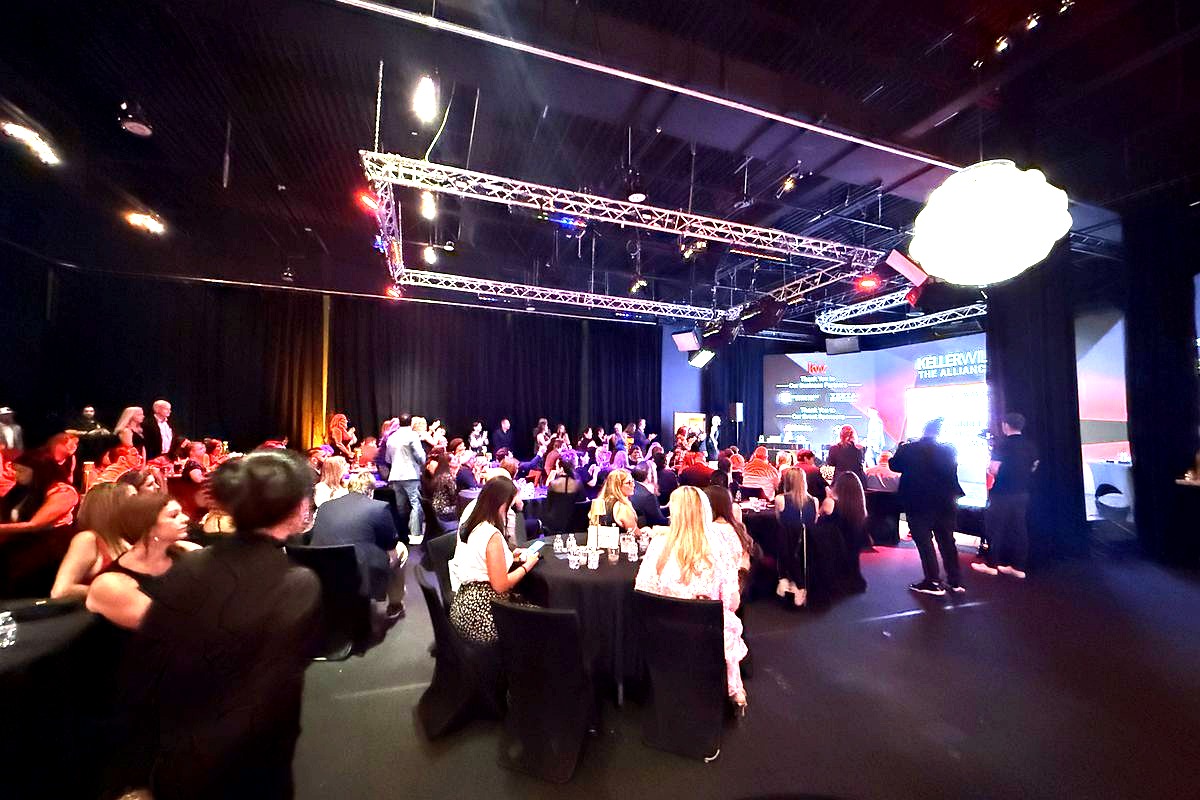
The era of pointing a laptop webcam at a stage and calling it a ‘live stream’ is long gone. Remote audiences in 2026 expect broadcast-quality video, multi-camera angles, real-time audience interaction, and zero buffering. If your venue cannot deliver that experience natively, you are either paying tens of thousands of dollars to truck in a production crew or risking a subpar viewer experience that damages your brand.
The Real Cost of Getting It Wrong
When a stream fails mid-event, the consequences cascade quickly:
- Lost revenue: Virtual ticket holders demand refunds. Sponsors with logo placements on the stream lose impressions.
- Reputational damage: Attendees share negative experiences on social media in real time.
- Operational chaos: Your team scrambles to troubleshoot instead of managing the event.
Choosing a venue with live streaming capabilities built into its infrastructure eliminates the single biggest point of failure in hybrid events: improvised technology.
What Has Changed for 2026
Several shifts make streaming infrastructure evaluation even more critical this year:
- Codec evolution: AV1 and HEVC codecs are now standard for efficient, high-quality streaming, but older venue hardware may not support them.
- 4K expectations: Corporate clients increasingly expect 4K streaming as baseline, not a premium add-on.
- Interactive features: Real-time polling, Q&A overlays, and breakout room integration require low-latency infrastructure.
- Security mandates: Enterprise clients demand encrypted streams with token-based access, especially in the government-adjacent Northern Virginia market near agencies and defense contractors.
The Complete Streaming Infrastructure Checklist: What to Demand From Any Venue
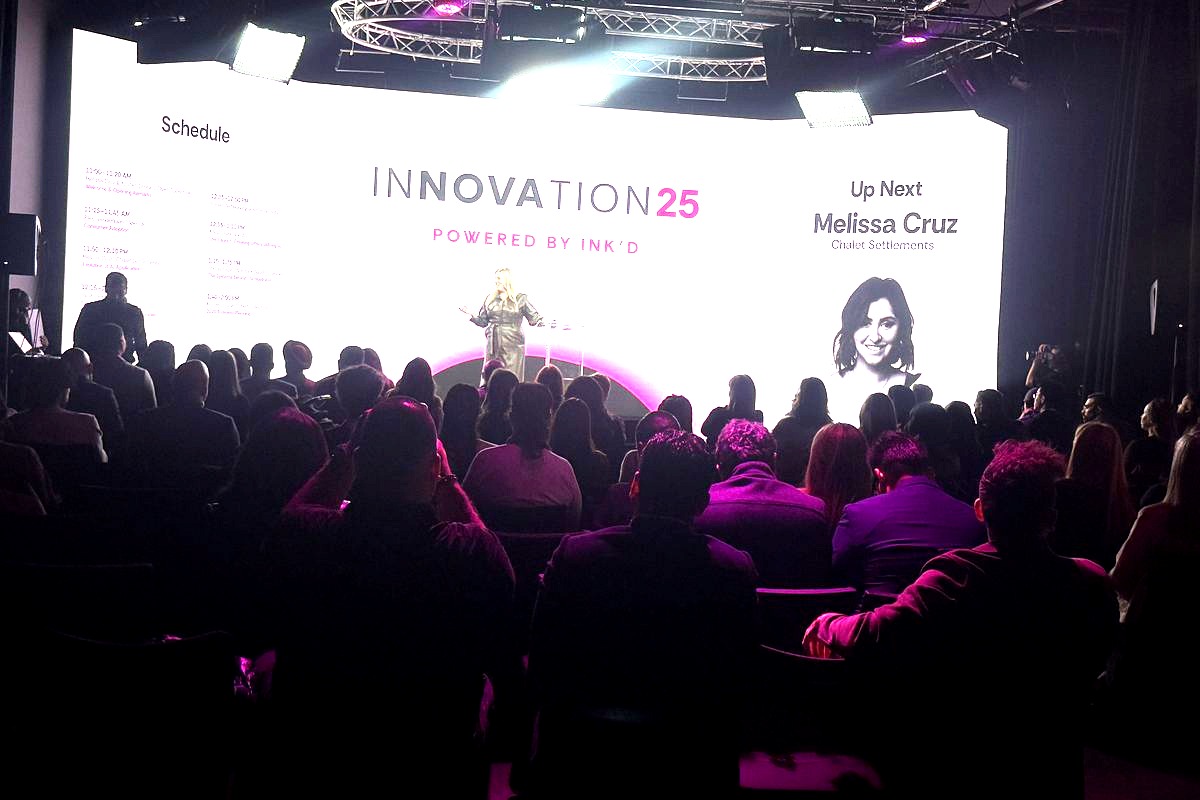
When you tour a potential venue near Chantilly, Centreville, Fairfax, Ashburn, or anywhere within a 20–30 mile radius of Dulles South Court, bring this checklist. If the venue sales manager cannot answer these questions confidently, that is a red flag.
1. Internet Backbone and Bandwidth
This is the foundation. Without sufficient, dedicated bandwidth, nothing else on this list matters.
- Dedicated upload speed: Demand a minimum of 50 Mbps dedicated (not shared) upload bandwidth for a single 1080p stream. For 4K or multi-stream setups, you need 100 Mbps or more of dedicated upload.
- Fiber connection: Ask whether the venue has a direct fiber optic line. Venues relying on cable or DSL connections are non-starters for professional streaming.
- Redundant ISP: The best venues maintain connections from two separate internet service providers with automatic failover. In Northern Virginia, proximity to the Ashburn data center corridor means fiber infrastructure is often readily available—but do not assume every venue takes advantage of it.
- Network isolation: Your production stream should run on a dedicated VLAN, completely separate from the guest Wi-Fi network. If 200 attendees checking email can degrade your stream, the network architecture is inadequate.
- Hardwired connections: Never rely on Wi-Fi for mission-critical streaming. The venue should offer direct Ethernet drops at the production station, ideally Cat6a or better.
2. Encoders and Streaming Hardware
The encoder is the brain of any live stream—it takes your camera and audio feeds and converts them into a format that streaming platforms can distribute.
- Hardware encoders vs. software: Professional venues should have dedicated hardware encoders (such as the Matrox Monarch series, Teradek Prism, or LiveU Solo Pro) rather than relying solely on software encoders like OBS running on a general-purpose laptop. Hardware encoders offer lower latency, higher reliability, and better heat management during long events.
- Protocol support: Ensure the encoder supports RTMP, SRT (Secure Reliable Transport), and RTMPS at minimum. SRT is increasingly preferred in 2026 for its error correction over unpredictable networks.
- Multi-platform output: If you need to stream simultaneously to YouTube, a custom platform, and an internal CDN, verify the encoder or the venue’s streaming workflow supports multi-destination output without requiring additional third-party restreaming services.
- Redundant encoding: For high-stakes events, ask if the venue can run a backup encoder in parallel. If the primary encoder fails, the backup takes over seamlessly.
3. Camera Systems and Switching
A single static wide shot is not a live stream—it is a security camera feed. The camera infrastructure directly determines viewer engagement.
- PTZ cameras: Pan-tilt-zoom cameras are the workhorses of venue-based streaming. Look for venues with at least two to three PTZ cameras (such as the PTZOptics Move 4K or Sony SRG series) pre-installed and pre-wired.
- Video switcher: The venue should have a professional video switcher—such as a Blackmagic ATEM Mini Extreme, Roland VR-6HD, or a Tricaster system—that allows real-time switching between camera angles, presentation feeds, and graphics overlays.
- NDI capability: Network Device Interface (NDI) allows video sources to be transmitted over standard Ethernet. Venues with NDI-enabled infrastructure offer far more flexibility for adding camera angles, integrating laptop feeds, and running complex multi-source productions without additional SDI cabling.
- Presentation capture: Verify that the venue can simultaneously capture a speaker’s presentation slides as a separate video input. This allows picture-in-picture layouts that remote audiences overwhelmingly prefer over a single camera shot of a screen.
4. Audio Infrastructure for Streaming
Audio quality is arguably more important than video quality for remote viewers. Studies consistently show that audiences will tolerate lower resolution video far longer than they will tolerate poor audio.
- Direct audio feed: The venue’s sound system should provide a clean, direct audio feed (via XLR, Dante, or NDI audio) to the streaming encoder. Never accept audio captured via a camera-mounted microphone picking up room sound.
- Dedicated audio mix: The streaming audio mix should be separate from the house mix. What sounds great in a room with speakers often sounds terrible on a stream because of room reverb, crowd noise, and unbalanced levels. A venue with a split-mix capability or a dedicated streaming audio console is ideal.
- Wireless microphone systems: Ask about the wireless mic inventory and frequency coordination. Venues near Dulles International Airport and the surrounding Chantilly-Herndon-Ashburn corridor can experience RF interference; quality venues use digital wireless systems (like Shure ADX or Sennheiser EW-DX) that handle interference more gracefully.
- Backup audio paths: For critical events, the venue should be able to provide a secondary audio capture path—such as a USB backup recording or a secondary Dante feed—in case the primary audio routing encounters issues.
5. Production Control Room or Dedicated Operator Space
Streaming production requires space, focus, and isolation from the main event floor.
- Dedicated control area: The venue should have a production control room or a clearly designated, separated space where streaming operators can work without distraction. Running a live stream from a folding table in the back corner of the room is a recipe for errors.
- Monitoring: The control space should include confidence monitors showing the program output (what viewers actually see), individual camera feeds, audio meters, and stream health dashboards (bitrate, frame drops, connection status).
- Communication: A clear-com or intercom system connecting the control room to camera operators and stage managers ensures smooth coordination throughout the event.
Questions to Ask During Your Venue Tour Near Chantilly, VA
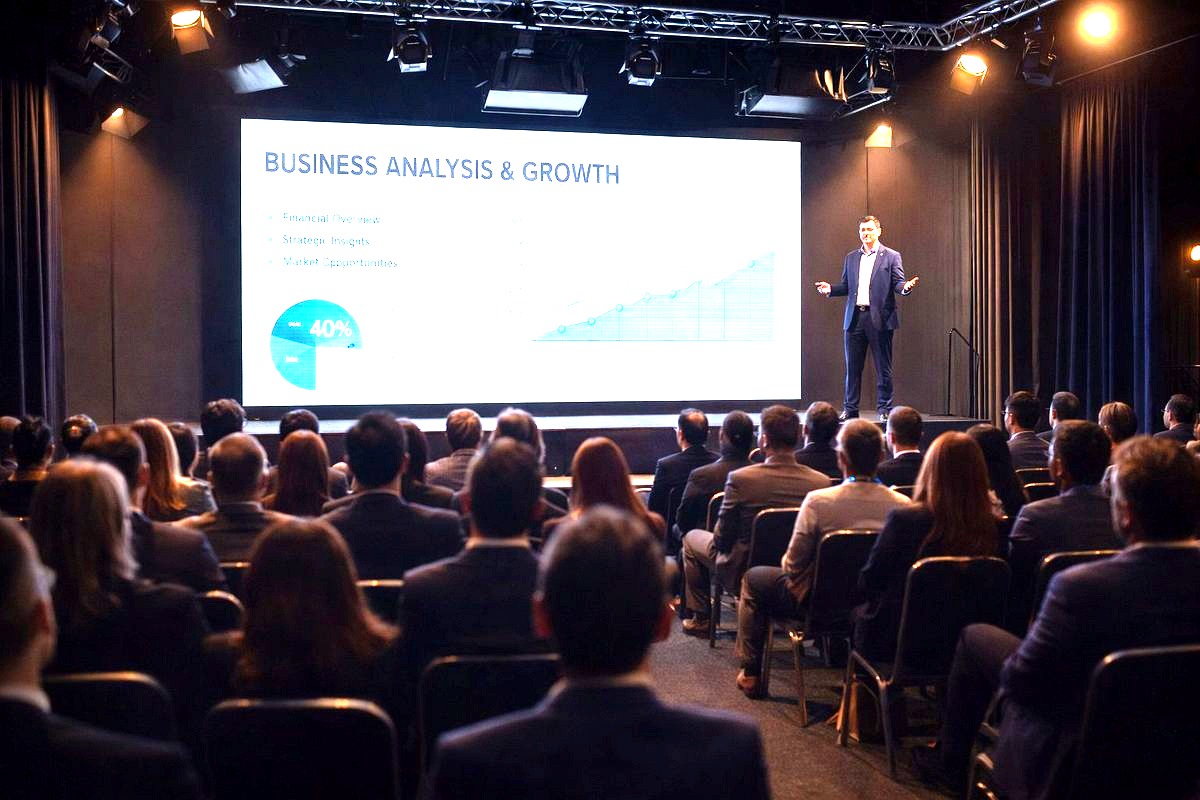
Knowing the technical requirements is one thing. Asking the right questions during a site visit is another. Here is a prioritized list of questions to bring to any venue tour within the Chantilly, Fairfax, Centreville, Manassas, Reston, Herndon, or Ashburn area:
- ‘What is your dedicated upload bandwidth, and is it on a separate VLAN from guest Wi-Fi?’ — If they hesitate or say ‘we share one connection,’ move on.
- ‘What encoder hardware do you use, and do you have a backup?’ — Vague answers like ‘we use a laptop’ indicate a consumer-level setup.
- ‘Can you provide a clean audio feed separate from the house mix for the stream?’ — This question alone separates professional streaming venues from amateurs.
- ‘How many PTZ cameras are installed, and what video switcher do you use?’ — You want specifics, not ‘we can set up cameras.’
- ‘Do you have on-site technical staff during the event, or do we need to bring our own operators?’ — Staffing matters. Even the best equipment fails without skilled hands.
- ‘Can you show me a recording or live example of a recent streamed event?’ — Proof of execution is the ultimate vetting tool.
- ‘What is your failover plan if the primary internet connection drops?’ — Redundancy separates enterprise-grade venues from the rest.
Red Flags That a Venue Cannot Actually Deliver Professional Streaming
Not every venue that claims streaming capability can actually deliver. Watch for these warning signs:
- ‘We partner with an outside AV company for streaming.’ — This is not inherently bad, but it means the infrastructure is not in-house. You will likely pay more, coordination will be more complex, and load-in times will be longer.
- No dedicated fiber internet line. — In 2026, any serious event venue within the Northern Virginia technology corridor should have fiber. Period.
- Consumer-grade equipment. — If you see Logitech webcams, USB microphones, or a standard Wi-Fi router as the production setup, this venue is not equipped for professional streaming.
- No production control space. — If there is nowhere for an operator to sit and manage the stream away from attendees, the production quality will suffer.
- Reluctance to provide technical specs. — A venue confident in its streaming infrastructure will gladly share bandwidth test results, equipment lists, and sample recordings. Evasiveness suggests they are not prepared.
How Trivision Event Center Meets the Streaming Standard
At Trivision Event Center in Chantilly, Virginia, streaming infrastructure is not an afterthought—it is foundational to how the venue was designed. Located at 3856 Dulles South Court, just minutes from Routes 28 and 50 and easily accessible from Fairfax, Centreville, Ashburn, Herndon, Reston, and the broader Northern Virginia region, Trivision was built from the ground up as a modern production facility and event venue.
Here is what sets Trivision apart as a venue with live streaming capabilities:
- Dedicated fiber internet with high-capacity upload bandwidth on isolated production VLANs, separate from any guest network.
- Professional-grade LED walls and integrated AV production systems that feed directly into the streaming workflow—no improvised setups.
- Multi-camera PTZ systems with professional video switching, enabling broadcast-quality multi-angle coverage for every stream.
- Clean, split audio feeds routed directly to encoding hardware, ensuring remote audiences hear crisp, balanced sound without room noise.
- Flexible studio spaces that can be configured for everything from intimate 50-person corporate town halls to large-scale galas with hundreds of in-person attendees and thousands watching remotely.
- On-site technical expertise from a team that understands encoders, Dante audio networking, NDI workflows, and multi-platform streaming distribution.
When planners in the DC metro area need a venue that treats the remote audience as equal to the in-room audience, Trivision Event Center delivers the infrastructure and the expertise to make it seamless.
Frequently Asked Questions About Venues With Live Streaming Capabilities
What internet speed does a venue need for professional live streaming?
For a single 1080p live stream, a venue should provide at least 50 Mbps of dedicated upload bandwidth on a hardwired, isolated network. For 4K streaming or multi-platform simultaneous output, 100 Mbps or more of dedicated upload is recommended. The key word is ‘dedicated’—shared bandwidth with guest Wi-Fi is not acceptable for production-quality streaming. Venues in the Northern Virginia area near the Ashburn data center corridor often have access to robust fiber infrastructure, but you should always verify during your site visit.
What is the difference between a hardware encoder and a software encoder for live events?
A hardware encoder is a dedicated physical device designed specifically for encoding video—examples include the Teradek Prism and Matrox Monarch. It offers superior reliability, lower latency, and consistent performance over long events. A software encoder, like OBS Studio, runs on a general-purpose computer and is more prone to overheating, software crashes, and resource conflicts. For professional events in 2026, especially those with 500+ remote viewers, a hardware encoder is the standard expectation at any serious venue with live streaming capabilities.
Why does the streaming audio mix need to be separate from the in-room audio?
The in-room audio mix is optimized for a physical space with speakers, room acoustics, and ambient crowd noise. Remote viewers experience audio through headphones or computer speakers in quiet environments, which means room reverb, crowd noise, and unbalanced levels become highly noticeable and distracting. A dedicated streaming audio mix allows the engineer to create a clean, balanced signal optimized specifically for the remote audience—tighter compression, noise gating, and proper stereo imaging—resulting in a dramatically better viewing experience.
How many cameras should a live streaming venue have?
A minimum of two PTZ cameras is necessary for basic professional coverage—typically one for a wide shot and one for a close-up of the speaker. Three cameras allow you to add a third angle, such as an audience reaction shot or a side angle of a panel. For high-production events like galas, product launches, or conferences with multiple stage areas, four or more cameras may be appropriate. The venue should also have a professional video switcher to cut between angles in real time, creating a dynamic viewing experience for remote attendees.
Can I live stream to multiple platforms simultaneously from a venue?
Yes, but it requires either multi-destination encoding hardware or a cloud-based restreaming service. Some professional encoders can output to multiple RTMP destinations natively. Alternatively, venues can route the encoded stream to a restreaming platform like Restream or Switchboard Cloud, which distributes it to YouTube, LinkedIn Live, Facebook, and custom platforms simultaneously. Ask your venue whether their encoding setup supports multi-destination output, and factor in additional bandwidth requirements—each additional stream destination adds to your upload demand.
Ready to Book a Venue With Live Streaming Capabilities in Northern Virginia?
Planning a hybrid event in 2026 requires more than a beautiful room—it demands serious streaming infrastructure. From dedicated fiber internet and hardware encoders to multi-camera PTZ systems and split audio feeds, every technical detail matters when hundreds or thousands of remote attendees are counting on a seamless experience.
If you are searching for a venue with live streaming capabilities near Chantilly, Fairfax, Centreville, Ashburn, or anywhere in the Northern Virginia region, Trivision Event Center was designed for exactly this. Our production-ready studios, integrated AV systems, and experienced technical team ensure your live stream looks and sounds as polished as your in-room event.
Contact Trivision Event Center today to schedule a tour, see the streaming infrastructure firsthand, and discuss how we can make your next hybrid event flawless. Visit trivisioneventcenter.com or call us to get started.