
The Corporate Event Planner’s Ultimate 2026 Guide
The Hook: Why Finding the Right Event Venue Feels Impossible
You’re a corporate event planner. Your boss just handed you a new project: “Find us a venue for our product launch. 200 people. Next month. Budget: reasonable.”
Sounds simple, right?
Wrong.
Three hours later, you’ve scrolled through 47 identical hotel ballrooms. You’ve called venues that don’t answer. You’ve received quote PDFs with so much fine print you’d need a legal degree to understand them. And somehow, none of them have the tech capabilities you actually need.
Here’s the truth: most event planners waste 15-20 hours searching for the right venue. They bounce between hotel convention centers, cramped loft spaces, and venues that look nice in photos but fall apart when you need actual AV support, parking, and flexibility.
The worst part? They settle.
I’ve worked with hundreds of corporate planners at TriVision Event Center, and I’ve learned exactly what separates a mediocre venue search from one that takes 2 hours instead of 20. This guide shows you the exact 7-step framework that works—whether you’re planning an intimate 50-person executive meeting or a 500-person conference.
Step 1: Define Your Event Type (Not Just Headcount)
Most planners start wrong. They say: “We need space for 200 people.”
That’s too vague. Here’s what actually matters:
The Four Event Types That Need Different Spaces
Product Launches & Brand Events What you need: Dramatic, modern event space. Professional AV. Ability to showcase products with lighting and video walls. Why it matters: Hotel ballrooms kill energy. You need somewhere that feels innovative, not corporate-sterile.
Executive Conferences & Panel Discussions What you need: Multiple breakout spaces. Professional audio so panelists sound like experts. Theater-style seating. Why it matters: Audience experience directly impacts your speaker quality. Bad acoustics = people disengaged.
Corporate Retreats & Team Building What you need: Flexible event space you can transform. Natural light. Onsite food options. Why it matters: The venue sets the tone. Dark, corporate-feeling spaces kill team energy.
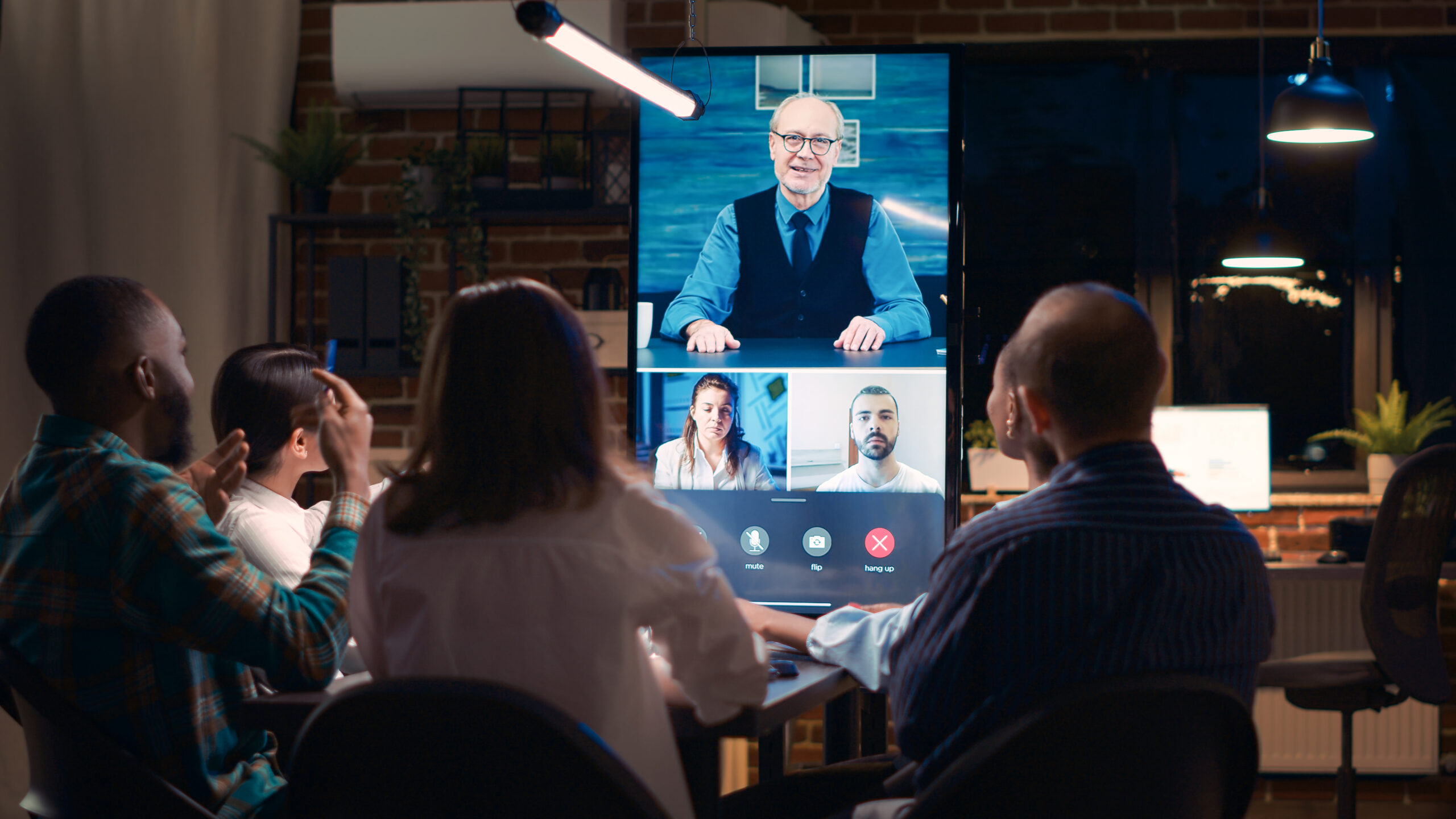
Hybrid Events & Virtual Conferences What you need: Professional-grade video production built-in. Green screen capability. Streaming infrastructure. Why it matters: Your virtual attendees are watching professionals. A pixelated stream reads as “we didn’t care about you.”
→ Your Action: Write down your event’s primary purpose. This cuts your search time in half.
Step 2: Create Your Non-Negotiable Criteria List
Now that you know your event type, build your filter with three categories:
Must-Have Criteria
- Capacity range (exact number, plus 10% flexibility)
- Location/accessibility for your audience
- Parking or transit options
- Move-in/setup requirements
- Tech infrastructure for your needs
Nice-to-Have Criteria
- Onsite catering options
- Natural light
- Breakout spaces
- Post-event reception area
- Green room for speakers
Budget-Flexible Areas
- Premium AV upgrade
- Extended hours
- Exclusive venue rental
- Premium furniture or décor
Red Flags (Eliminate Immediately)
- “We’ll figure out the tech later”
- Can’t accommodate your setup timeline
- No dedicated point of contact
- Unclear pricing (vague about what’s included)
- Outdoor parking only
→ Your Action: Spend 20 minutes writing this list. When a venue says “we can do that,” you’ll have a clear evaluation framework instead of guessing.
Step 3: Prioritize Tech (This Is Where Most Planners Go Wrong)
Here’s the secret separating professional event spaces from hotel ballrooms:
Most corporate events fail on the tech, not the space.
You can have the perfect room, but if the AV is an afterthought, your event feels amateurish.
What Modern Event Venues Actually Need
On-Site Professional AV Infrastructure
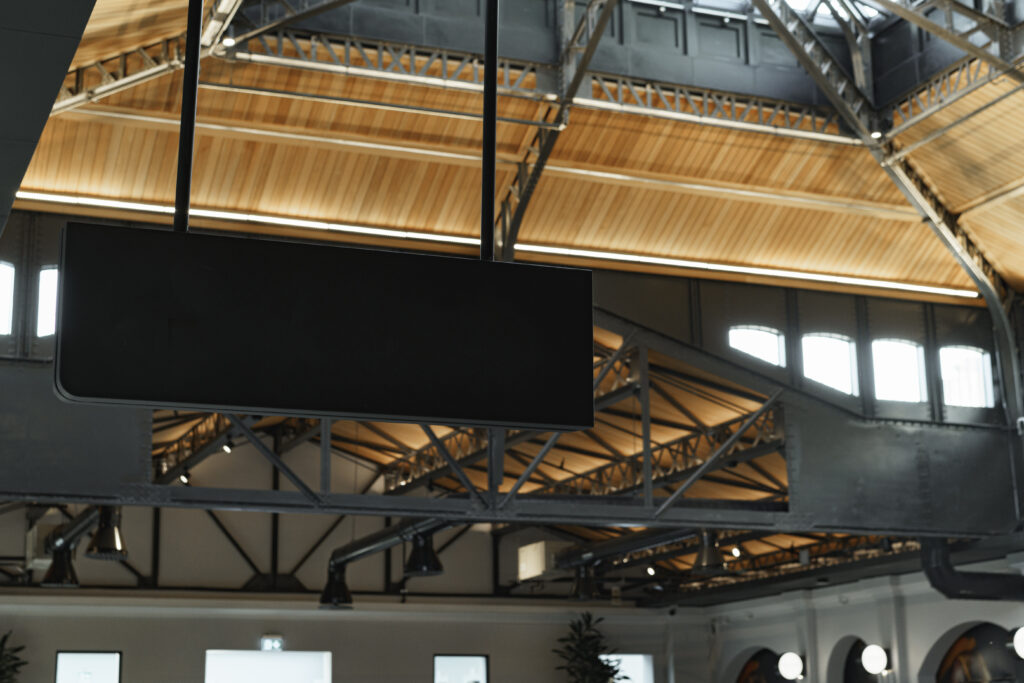
- LED video walls (not projectors—they break, overheat, and look dated)
- Professional lighting that doesn’t require an electrician
- Built-in audio designed for corporate presentations (not DJ equipment)
- Streaming capability for hybrid attendees
Video Production Capability
- Green screen for professional backgrounds
- Multi-camera setup for livestreaming
- Professional editing capability
- Tech staff who understand corporate events (not just entertainment)
Flexible AV Scaling
- Can you do a small 50-person meeting with the same professional quality as a 400-person event?
- Can you switch from panel discussion to product showcase without resetting the room for 30 minutes?
The Tech Audit Question
When you talk to a venue, ask: “Walk me through how you’d set up for [your specific event type]. What’s built-in versus what do we rent separately?”
Listen for:
- Confidence (they know their space)
- Built-in tech (not “we have vendor relationships”)
- Flexibility (multiple setups)
- Support (dedicated AV staff)
→ Your Action: Make tech setup your first question when evaluating proposals.
Step 4: Check the Fundamentals (Location, Parking, Accessibility)
Now evaluate the practical basics.
Location Strategy for DC-Area Events
The DC metro area is spread out. Your “perfect venue” is only perfect if people can actually get there.
- If your audience is in Arlington, Alexandria, Falls Church: Consider venues in Northern Virginia (Chantilly, Reston, Fairfax County). Saves 45 minutes vs. downtown.
- If your audience is DC-based corporate: Central locations (Bethesda, Rosslyn) are strategically positioned.
- If your audience is mixed: Proximity to airports and highways matters more.
Parking: The Overlooked Deal-Breaker
Your attendees will judge your event partially on parking.
- Is parking included or separate?
- Is it valet or self-parking? (Valet looks premium)
- For winter events: Is it covered?
- For large events: Is there overflow parking?
Pro tip: Venues with ample, covered, complimentary parking feel more upscale.
Accessibility (ADA & Inclusive)
- Wheelchair-accessible entrances and bathrooms
- Dietary restriction accommodation
- Quiet rooms for sensory needs
- Support for attendees with hearing loss
→ Your Action: Schedule a site visit for your top 3 venues. Parking and accessibility become obvious in person.
Step 5: Evaluate Proposals (Not Just Price)
You’ve filtered to 3-4 venues. Now you’re getting proposals.
What to Actually Compare
Apples-to-Apples Service
- Capacity (same room, same tech, same catering?)
- Setup/breakdown included?
- AV operator included?
- Cancellation policy?
- Force majeure clause coverage?
Hidden Costs
- Venue rental fee
- AV/tech fees (often the biggest surprise)
- Catering (per person or required caterer?)
- Parking (included or surcharge?)
- Setup/breakdown hours
- Gratuity/service charge
Partnership Quality Call the venue. Talk to the event manager. Do they:
- Ask clarifying questions?
- Suggest solutions to your needs?
- Understand your event type?
- Follow up proactively?
The Real Price Comparison
Don’t compare by per-person cost. Compare by value per attendee experience.
Example:
- Venue A: $2,000 rental, cheap AV, no video production staff
- Venue B: $2,500 rental, professional LED walls, video operator included
Venue B includes tech support that prevents disaster. Your attendees experience a professional event.
→ Your Action: Create a scorecard with weighted criteria: location (20%), tech (40%), service quality (25%), price (15%).
Step 6: Ask the Smart Questions (Before You Sign)
You’ve narrowed to your top choice. Ask these 10 questions:
Tech Setup Questions
- “Walk me through the setup. What time can we start? What’s included in your AV support?”
- “Can you do a tech run-through the day before? Who’s the contact if something breaks?”
- “For livestreaming: what’s your upload speed? Can you support 500 simultaneous viewers?”
Operations Questions
- “Who’s my single point of contact? What’s the response time for day-of issues?”
- “If we need to expand capacity by 10%, can you accommodate on short notice?”
Catering & Logistics
- “Are we required to use your catering, or can we bring outside vendors?”
- “For [date], what time can we start setting up? Until what time can we stay?”
Risk Management
- “What’s your cancellation policy? Is there force majeure coverage?”
- “If your AV equipment fails mid-event, what’s the backup plan?”
The Gut Check
- “If something goes slightly wrong, how do you typically handle it?”
→ Your Action: Ask these questions in writing via email. You want answers documented.
Step 7: Confirm Logistics 60 Days Before (And 2 Weeks Before)
Most planners think the work is done after signing. Actually, this is where disasters happen.
60 Days Before: The Master Timeline
Create a shared document with the venue listing:
- Exact setup start time and responsible parties
- A/V setup specifics
- Catering timing
- Parking and attendee arrival instructions
- Special requests (green screen use, recording permissions)
Have the venue confirm every item in writing.
2 Weeks Before: The Final Walkthrough
Schedule a final site visit:
- Walk the exact setup configuration
- Test all A/V (especially for streaming)
- Confirm parking signage and attendee flow
- Test WiFi strength
- Confirm catering timing
Document everything with photos.
Day Before: The Dry Run
Do a full tech run-through:
- Test streaming setup end-to-end
- Confirm lighting works for your program
- Test microphones and speakers
- Confirm backup WiFi and power supplies
- Brief all staff on their roles
This single step prevents 80% of day-of disasters.
Common Mistakes That Waste Time (and Money)
Mistake #1: Choosing Based on Photos Alone Fix: Always visit in person. See the space configured for your event type.
Mistake #2: Assuming “Tech Ready” Means Anything Fixed: Ask to see the tech demonstrated. Professional event spaces have integrated LED walls and video production.
Mistake #3: Picking Based on Price Alone Fix: Weight tech quality at 40% of your decision. Cheapest venues often have the worst AV support.
Mistake #4: Not Confirming Flexibility Fix: Get specifics in writing. What’s included vs. what’s a rental fee.
Mistake #5: Waiting Until 2 Weeks Before to Confirm Details Fix: Confirm details at 60 days out. Build a master timeline at contract signing.
Choosing the Right Space for Your Event Type
If You’re Planning a Product Launch
Look for: Professional AV, dramatic lighting, stage capability, video wall integration Avoid: Hotel ballrooms (generic) and loft spaces (lack AV infrastructure)
If You’re Planning an Executive Conference
Look for: Multiple breakout spaces, professional audio, theater-style setup Avoid: Single large ballroom and hotels with echoey ballrooms
If You’re Planning a Corporate Retreat
Look for: Flexible event space, outdoor or natural light options Avoid: Corporate hotel conference center vibes
If You’re Planning a Hybrid Event
Look for: Green screen capability, professional video production, streaming infrastructure Avoid: Anywhere that requires “we’ll figure out the streaming” approach
The Bottom Line: What You Actually Need in 2026
In 2026, the baseline for a professional corporate event has changed. Your attendees expect:
- Professional video quality (not hotel-standard)
- Seamless hybrid participation (not “attendees on a call in the corner”)
- Flexible event space that adapts to your needs
- Tech that works (not “we hope so”)
If you follow these 7 steps, you’ll:
- ✅ Cut your search time from 20 hours to 4 hours
- ✅ Make a data-driven choice instead of emotional one
- ✅ Avoid venues that looked good in photos but fell apart in reality
- ✅ Partner with a venue that understands your needs
- ✅ Host an event where tech supports your message
FAQ: Questions Corporate Planners Actually Ask
Q: Should we use a hotel ballroom or a dedicated event space?
A: Dedicated event spaces (like TriVision Event Center) have better tech, more flexibility, and feel more intentional. For a product launch or conference, dedicated space wins.
Q: How much should AV cost?
A: A simple presentation setup might be $500-1000. Professional LED walls and video production can be $3000-8000. If built into the venue, it’s often cheaper than renting separately
Q: What if something goes wrong on the day of?
A: A good venue has contingency plans (backup power, backup WiFi, backup AV equipment). They have a point of contact who answers calls during the event.
Q: Is hybrid viable, or do I need two separate events?
A: Hybrid is viable if your venue has proper infrastructure. TriVision Event Center specializes in hybrid events with professional video production, dedicated streaming setup, and someone managing the remote experience.
Final Thought: Your Event Reflects Your Company
Here’s what I know after working with hundreds of corporate planners: Your event space reflects your company. A generic hotel ballroom says “we booked what was available.” A thoughtfully chosen professional space says “we care about this, and we care about our attendees.”
That’s worth the extra effort in the search process.
Choose TriVision Event Center—where your corporate event becomes reality.
Your stress-free event venue search starts now.
Contact TriVision Event Center Today
TriVision Event Center is your partner for corporate events that inspire.
Questions about hosting your corporate event? Reach out to our team at TriVision Event Center. We specialize in corporate events that inspire attendees—and don’t stress out planners.